

Time-consuming typing of URLs is just as much history as reading QR codes using special apps. Today, donors simply hold their smartphone camera over the QR code and a URL appears that redirects them to the donation page, for example. With just one click, potential supporters can access Spheriq’s donation form – and you can easily collect donations with a QR code.
The QR code has caught on and is now widely used – on flyers, letters, brochures, posters and much more.
The current coronavirus registration tools also use them. For some it is QR code overkill, others are learning how to use them, which has a positive effect on the usage habits of many people. This means that if you know and use the QR code, this will also benefit the organizations that use QR codes for their fundraising.
A perfect match: QR code & online fundraising
The QR code is like a bridge between print and online. It gives you the opportunity to link them intelligently and combine their strengths. Combine offline and online measures in such a way that they complement each other ideally and the fundraising message has the best possible effect on donors. QR codes can be used in a variety of ways to collect donations and are easy to implement.
What is a QR code?
QR stands for Quick Response. The small pixel squares resemble barcodes that can store any amount of information. Used in fundraising, they often link directly to the donation page.
Where do you use a QR code?
The QR code can be printed on any advertising medium. How to increase your donation income. Print a QR code:
- Donation letters
- Flyer
- Magazine/Brochure
- Poster
- Merchandise articles
and forward you to your donation form at Spheriq.
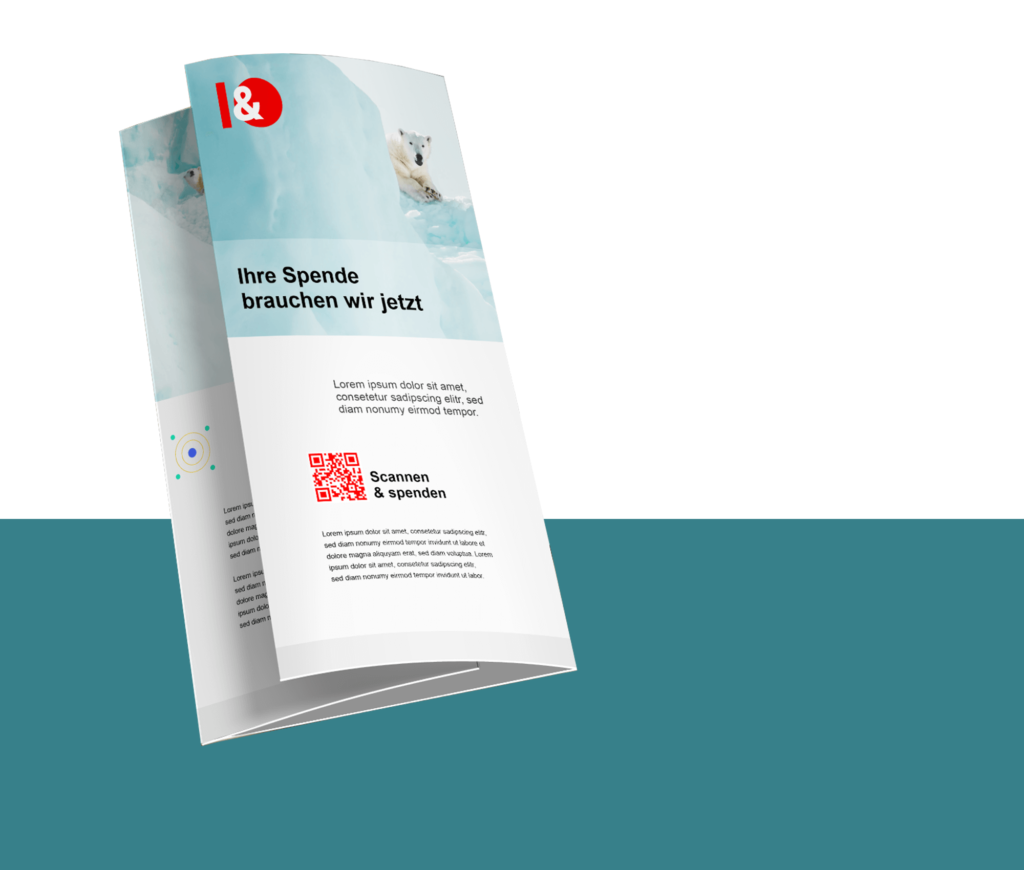
How do you use a QR code?
A QR code can be very easily integrated into the print design (e.g. of the flyer or magazine). How small or large you print it is up to you. High contrast is important – preferably black on white.
Instructions: Use the QR code from Spheriq
With the Spheriq QR code, you can easily and conveniently collect donations digitally. There are many possible applications. Using a flyer as an example, we will show you how to use the Spheriq QR code. This is how it works:
- Download QR code:
You can find the automatically generated QR codes in your dashboard under the menu item “Download QR codes”.
- Insert QR code on flyer:
You can then insert the downloaded QR code into your flyer using a graphics program of your choice. In the example, we use the free online graphics program pixlr.com.
- Print flyers:
Finally, all you have to do is print the flyer. You have already bridged the gap between print and online.
Build up your digital fundraising
Make it easy for your donors and collect more donations thanks to QR codes. Create QR codes easily and conveniently in the Spheriq dashboard.
Are you interested in our offer for fundraisers?